
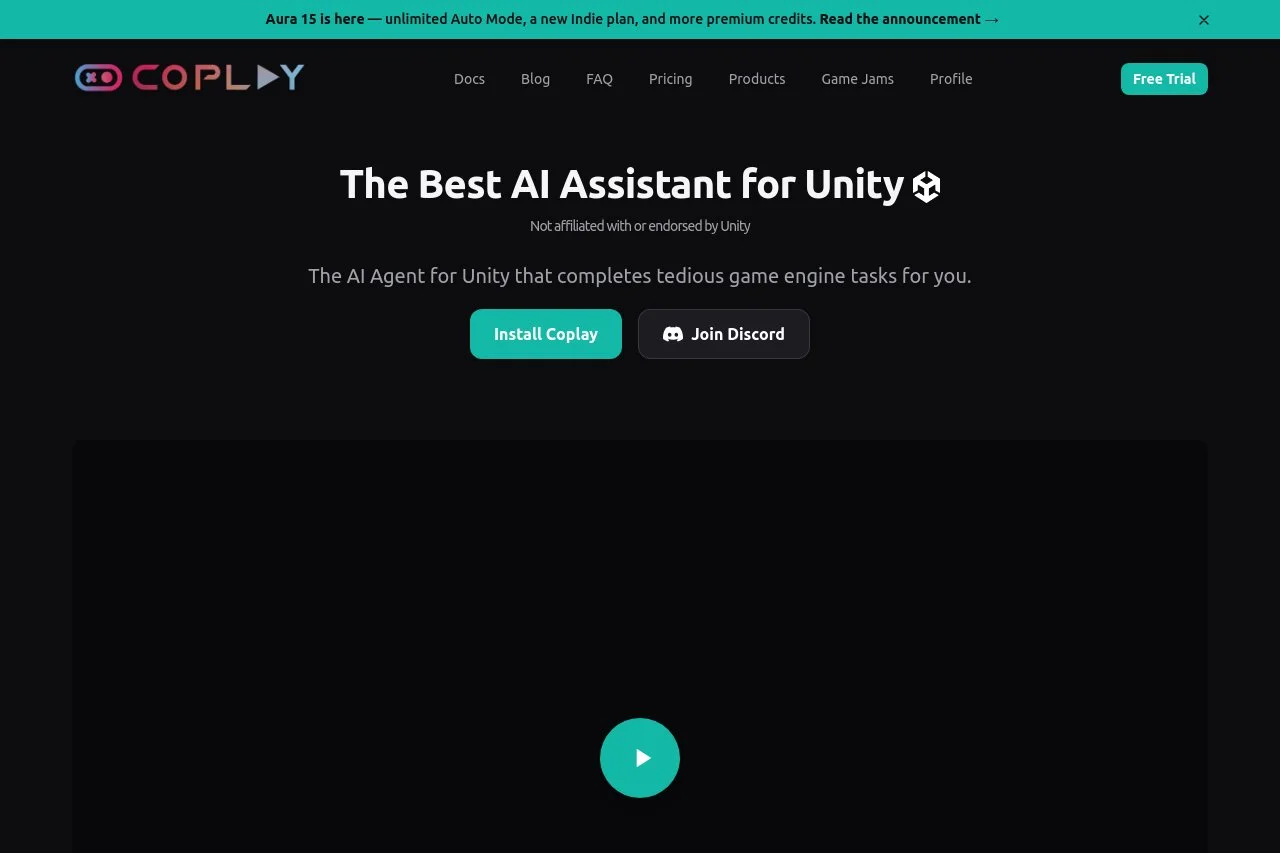
Elevate your Unity game development with Coplay, a fully collaborative AI partner designed to amplify developer impact. Install today and supercharge your workflow.
About
Coplay is a fully collaborative AI assistant built specifically for Unity game development. It goes far beyond simple code completion, acting as a true intelligent partner that helps developers break through bottlenecks and boost productivity. Coplay deeply understands how the Unity engine works, standing by your side through script writing, scene setup, debugging, and optimization. Whether you are an indie developer or part of a larger team, installing Coplay delivers a level of development flow you have never experienced before, freeing up more of your energy for creative design and core gameplay refinement.
Key Features
Pricing & Fees
- Pricing: Coplay offers a Free plan ($0/month), a Professional plan at $20/month, and a Custom-priced Enterprise plan. Coplay is now part of Aura, which offers larger plans covering both Unity and Unreal Engine under one subscription.
- Free tier: The Free plan includes access to all Coplay features and all models, and supports trying Coplay MCP free with an existing AI subscription.
- Credits and billing: The Professional plan includes $20 worth of credits per month plus $20 extra credits per month for Claude models, and credits are charged at LLM provider cost with no markup. Failed tool calls are not charged, and unlimited top-up credits are available at provider cost.
- Claude safety net: Professional subscribers receive a $4/day credit allowance for Claude models once their balance reaches zero, letting them keep working while deciding whether to top up.
- Enterprise options: Enterprise plans add custom VPC installation, usage and access dashboards, air-gapped local deployments, no training on customer data, and enterprise-level support.
Who It's For
Coplay is built for indie game developers who are a one-person team and need help with coding, debugging, and documentation so they can focus on creative execution. It also serves small and mid-sized studios looking to accelerate prototyping, reduce communication overhead, and let programmers, designers, and planners collaborate efficiently within a unified tool. Unity beginners will benefit from instant examples and explanations that make engine mechanics easier to grasp and lower the barrier to learning. And for seasoned technical artists and programmers, Coplay handles repetitive tasks so you can invest your energy in architecture design, performance optimization, and innovative gameplay development.
Related Tutorials
View all →

Related Tools
View all → 9Router - Free AI Router Free AI routing with smart 3-tier fallback. Maximize subscriptions, auto-switch to cheap/free models. Never stop coding with Claude Code, Codex, Gemini CLI.
 Cactus - On-device AI for Smartphones, Laptops & Edge One inference engine for on-device AI across smartphones, laptops, and edge hardware. Run LLMs, transcription, and embeddings locally with automatic cloud fallback.
 Claude Claude is an AI assistant made by Anthropic that answers questions, writes and edits text, analyzes documents, and helps with coding through natural conversation.
 Decktopus AI | AI Presentation Assistant Create professional presentations effortlessly with AI assistance.
 Interview VIP Interview VIP is a private desktop AI assistant for technical and coding interviews, providing real-time question understanding and helping candidates organize answers, code ideas, and follow-up explanations without joining meetings as a visible bot.