
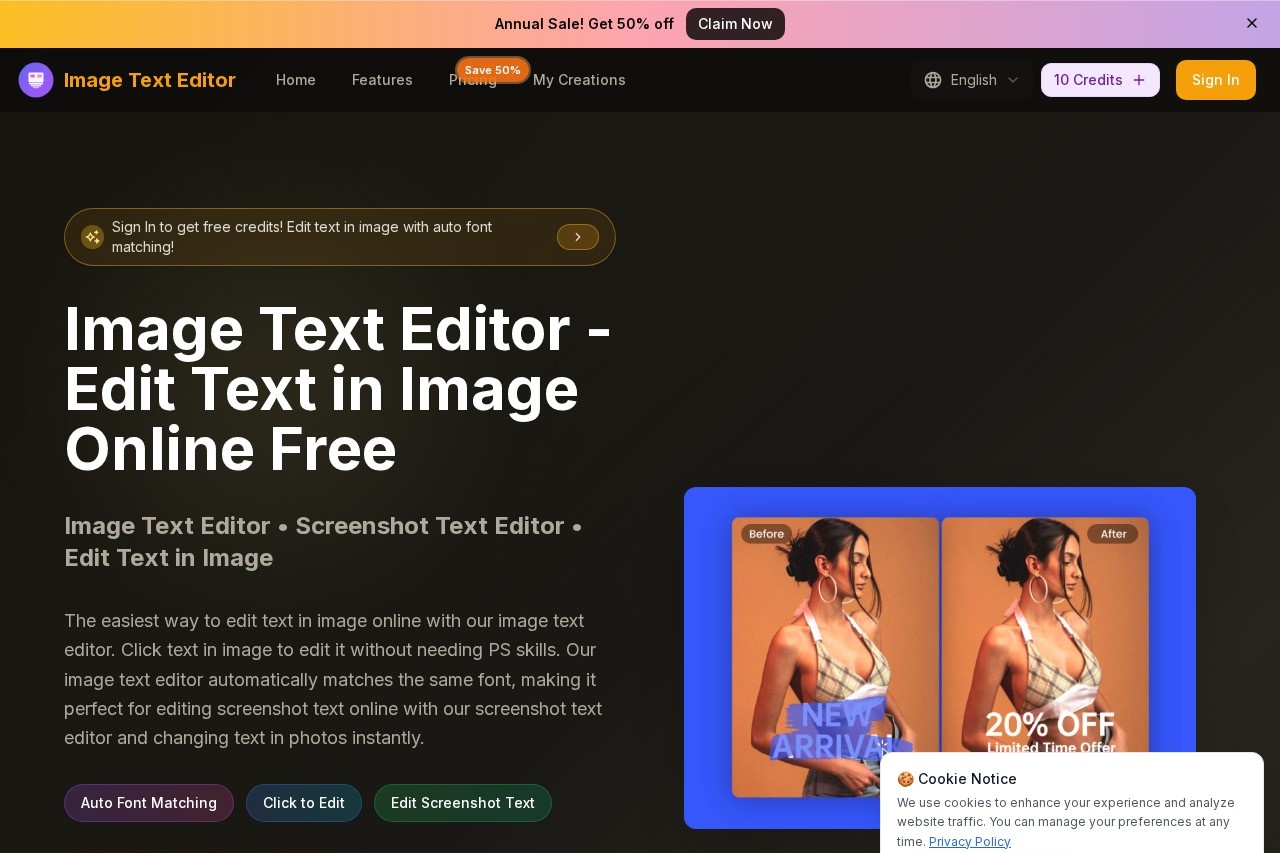
Add and edit text on images directly in your browser — font, size, color, and alignment, then export ready to use.
About
Image Text Editor is a pure web-based tool for adding text to images. Drag a photo into the browser, add titles, captions, or watermarks, and adjust font, size, color, and alignment as you go — then export the finished image directly. There is nothing to install and no design software to learn, which makes it the fastest route for everyday text-on-image tasks.
Key Features
Pricing & Fees
- Pricing: Annual plans (currently 50% off) are Basic at $9.9/month (12000 credits/year, ~1200 images), Professional at $23.9/month (30000 credits/year, ~3000 images), and Enterprise at $63.9/month (120000 credits/year, ~12000 images). Monthly, weekly, and one-time billing options are also offered.
- Free Credits: New users receive free credits upon registration, and the site shows a 10-credit balance for signed-out visitors.
- Plan Features: All paid plans include image text editing with automatic font matching, permanent edited image history, and a commercial use license.
- Upload Limits: Supports JPG, PNG, and WEBP formats with a maximum file size of 5MB.
- Cancellation: Subscriptions can be cancelled anytime by contacting the support email.
Who It's For
It is for social media managers captioning images, support and ops teams annotating screenshots, sellers adding prices and labels to product photos, and anyone making memes or quick graphics without a design tool.
FAQ
Do I need to install anything?No — it works entirely in the browser.
What text controls are available?Font, size, color, and alignment.
Can I add watermarks?Yes — watermarks are one of the typical uses.
Related Tutorials
View all →

Related Tools
View all → Cleanup.pictures Cleanup.pictures is a free AI inpainting tool that removes unwanted objects, people, text, logos, watermarks and blemishes from photos in seconds, with a Pro plan for high-resolution exports.
 Mee Manga Translator - AI Manga Translation Translate manga instantly with AI. Preserves original art and layout for seamless reading.
 Best Free AI Photo Editor & Video Generator Online | YouCam YouCam offers free AI-powered photo editing and video generation tools for creative projects.
 Z-Image AI Image Generator & Editor | Z-Img Make photoreal images in seconds with Z-Image AI on Z-Img. Edit or upscale free with Turbo, Base, and Edit models.
 Nano Banana 2 AI Image Editor Generator Browser-based AI image editor and generator. Upload photos, refine scenes, and create 2K/4K visuals with free credits.