
EasyRemoveBG is a free online AI background remover that turns JPG, PNG and WebP images into transparent PNGs, with edge-refining brushes and no account required.
About
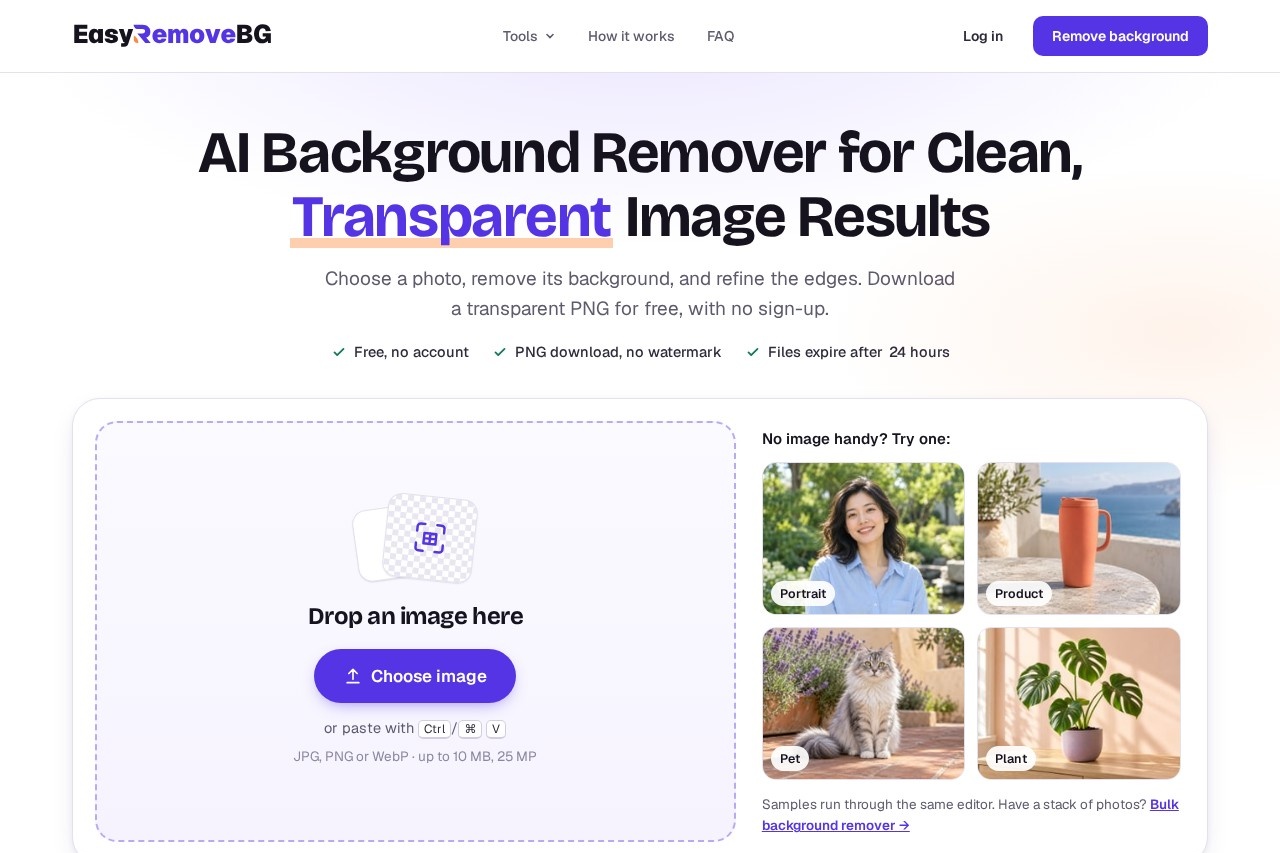
EasyRemoveBG is a free web-based tool that removes backgrounds from still images using AI. It accepts JPG, PNG and WebP files up to 10 MB and 25 megapixels, and returns a downloadable PNG with either a genuinely transparent background or a solid color the user picks.
The workflow takes three steps: choose an image (by picking, dragging or pasting it), click Remove background for cloud processing, then optionally refine the result with Erase and Restore brushes before downloading. Single-image use requires no account, email or sign-up, and downloads carry no watermark. For batches, the Bulk Background Remover handles up to 10 images at a time after signing in with Google. Uploaded files and their results expire 24 hours after upload and are then permanently deleted during daily cleanup.
Key Features
Pricing & Fees
- Pricing: Free; removing a background, refining it and downloading the PNG requires no account or payment.
- File limits: JPG, PNG and WebP up to 10 MB and 25 megapixels (for example 6000 × 4000 px); animated GIF/WebP and HEIC are not supported yet.
- File retention: Uploads and results expire 24 hours after upload and are permanently deleted during daily cleanup, normally within the following 24 hours.
- Bulk requires sign-in: Batch processing of up to 10 images requires Google sign-in, while single-image use works as a guest.
Who It's For
EasyRemoveBG suits e-commerce sellers who need product photos on clean white or transparent backgrounds for listings, designers lifting logos off their backdrops, and anyone preparing transparent PNGs for websites or presentations. It also handles scanned signatures, removing paper and stray specks so ink can be placed on documents. Because it runs entirely in a browser with no sign-up for single images, it is practical for occasional users as well as small businesses processing small batches of photos.
FAQ
Is EasyRemoveBG really free?Yes, background removal, edge refinement and PNG download are free and need no account or email; bulk processing requires Google sign-in.
What file formats and sizes does it support?Still JPG, PNG and WebP images up to 10 MB and 25 megapixels are supported; animated GIF/WebP and HEIC are not yet supported.
Does it work on phones?Yes, it works in current versions of Chrome, Edge, Safari and Firefox on phones, tablets and computers without installing an app.
What happens if the AI edges aren't perfect?Users can apply the Erase brush to remove leftover background and the Restore brush to bring back mistakenly removed details, with every stroke undoable.
What happens to my images?Images are uploaded over an encrypted connection for cloud processing, then expire 24 hours after upload and are permanently deleted during daily cleanup.
Related Tutorials
View all →


Related Tools
View all → remove.bg remove.bg is an online AI tool that removes image backgrounds automatically in seconds, producing transparent PNGs or clean cutouts for designers, sellers, and marketers.
 PicWish PicWish is an AI photo editor that removes backgrounds, enhances image quality, restores old photos, and generates AI backgrounds for e-commerce sellers, designers, and casual users.
 Photoroom Photoroom is an AI photo editing and product photography platform that helps e-commerce sellers and creators remove backgrounds, generate product scenes, and produce listings at scale.
 Clipdrop Clipdrop is a suite of AI image editing and generation tools, including background removal, object cleanup, upscaling and text-to-image, available on the web and via API.
 Editaimg - AI-Powered Image Editing and Translation Tools Editaimg is a versatile online platform that leverages AI to simplify complex photo editing tasks. It offers specialized features for both creative and practical use.