
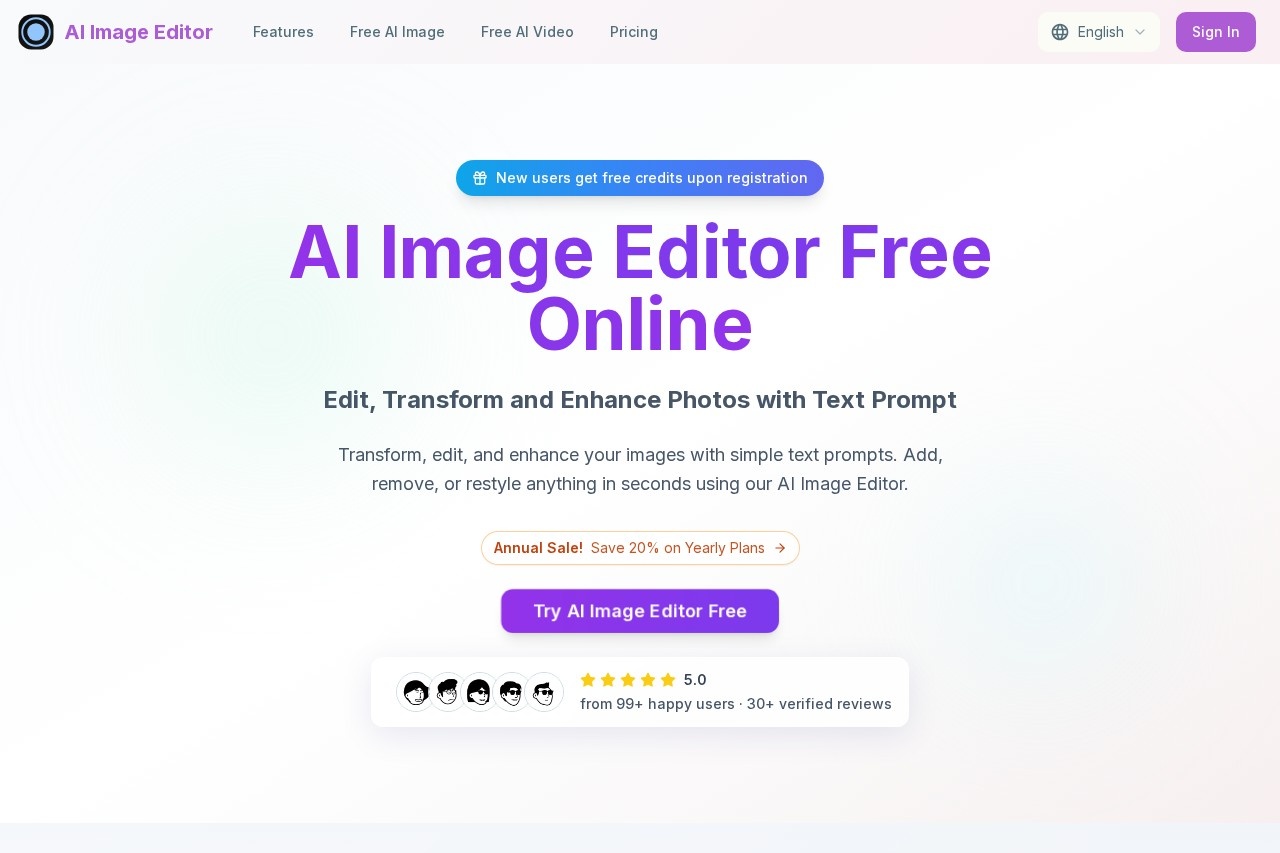
Edit photos with text commands — remove objects, swap backgrounds, retouch, and enhance quality in one sentence.
About
AI Image Editor is a web-based photo editor driven by text commands. Instead of manual retouching techniques, you describe the change — remove an object, replace the background, touch up portrait blemishes, improve image quality — and the AI applies it. There are no layers or selection tools to learn, which puts competent photo editing within reach of anyone who can describe what they want.
Key Features
Pricing & Fees
- Pricing: Three subscription plans are offered — Starter at $7.9/month (billed annually at $94.8), Professional at $15.9/month (billed annually at $190.8), and Business at $31.9/month (billed annually at $382.8), with annual billing saving 20% versus monthly rates ($9.9, $19.9, and $39.9 respectively).
- Free Tier: New users receive free credits upon registration, and the site advertises a free online mode with no sign-up required; each generation costs 1 credit.
- Plan Limits: Starter includes 600 credits/year (50 edits per month), Professional 1800 credits/year (150 edits per month), and Business 3600 credits/year (300 edits per month). HD downloads, 2K output, and custom presets are available from Professional upward; commercial usage rights require the Business plan.
- File & Format Support: Uploads support JPG, PNG, and WEBP up to 5MB, with prompts limited to 500 characters.
- Billing Notes: Subscriptions can be cancelled anytime, but cancellation requires contacting support via email.
Who It's For
AI Image Editor is for designers doing fast cleanup passes, marketers preparing campaign imagery, e-commerce sellers fixing product shots, and general users who want edited photos without learning an editor.
FAQ
How do I edit a photo?By describing the change in text — no manual tools or techniques needed.
What can it do?Object removal and replacement, background swaps, portrait retouching, and quality enhancement.
Do I need editing experience?No — it is designed for non-experts and fast turnarounds alike.
Related Tutorials
View all →

Related Tools
View all → Cleanup.pictures Cleanup.pictures is a free AI inpainting tool that removes unwanted objects, people, text, logos, watermarks and blemishes from photos in seconds, with a Pro plan for high-resolution exports.
 Mee Manga Translator - AI Manga Translation Translate manga instantly with AI. Preserves original art and layout for seamless reading.
 Best Free AI Photo Editor & Video Generator Online | YouCam YouCam offers free AI-powered photo editing and video generation tools for creative projects.
 Z-Image AI Image Generator & Editor | Z-Img Make photoreal images in seconds with Z-Image AI on Z-Img. Edit or upscale free with Turbo, Base, and Edit models.
 Nano Banana 2 AI Image Editor Generator Browser-based AI image editor and generator. Upload photos, refine scenes, and create 2K/4K visuals with free credits.